First, create and configure the System level.
1.Add two Water Distribution Networks and change their names to "System1" and "System2", respectively.
2.Connect one System to the other using a Connection, according to the next figure.
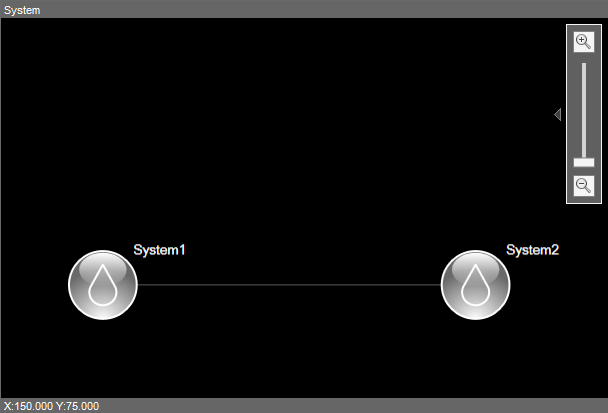
System level
3.Configure the properties of both Networks according to the next figure.
Configuration of properties of Water Distribution Networks
Network |
Company |
DocString |
RegionName |
|---|---|---|---|
System1 |
Sanitation Company |
System1 |
Region 1 |
System2 |
Sanitation Company |
System2 |
Region 2 |