The next step on developing the Training application is to create a hydraulic model of the system to supervise.
1.After creating the Training application in Elipse Water, the file in WDB format corresponding to the hydraulic model is created on the same destination folder and with the same name of the Domain and project relative to the application. As a default, the Hydraulic Modeler tab of the Water Configuration object is shown first. Elipse Water Studio must present a development environment similar to the next figure.
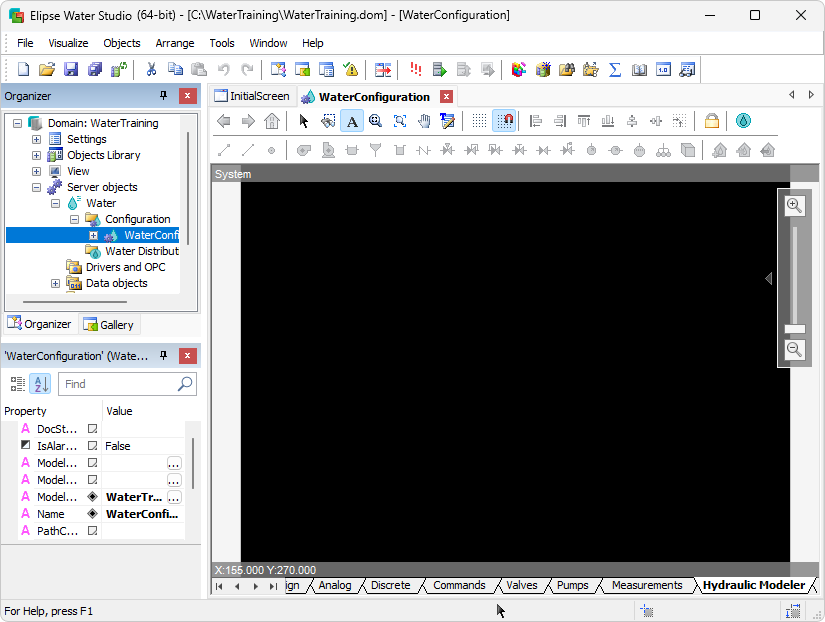
Development environment