1.Create the Discrete Measurement "DHPP", according to the next figure.
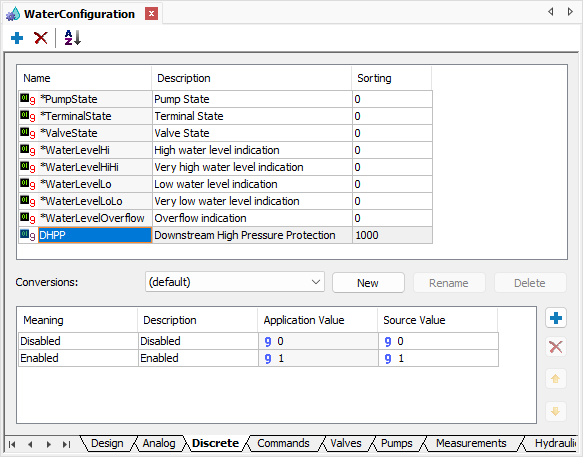
Discrete Measurement DHPP
2.Create the Discrete Measurement "ULPP", according to the next figure.
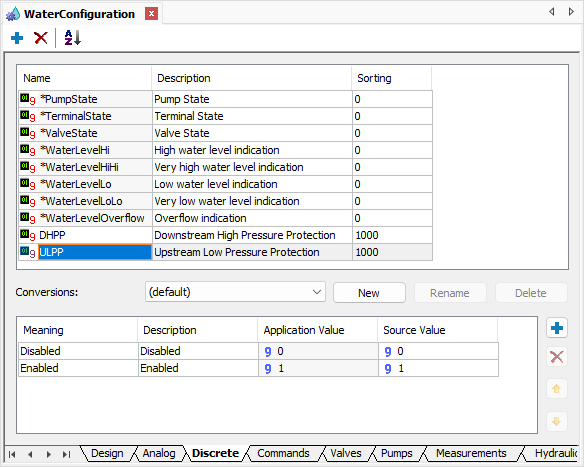
Discrete Measurement ULPP
3.Create the Discrete Measurement "PTF", according to the next figure.
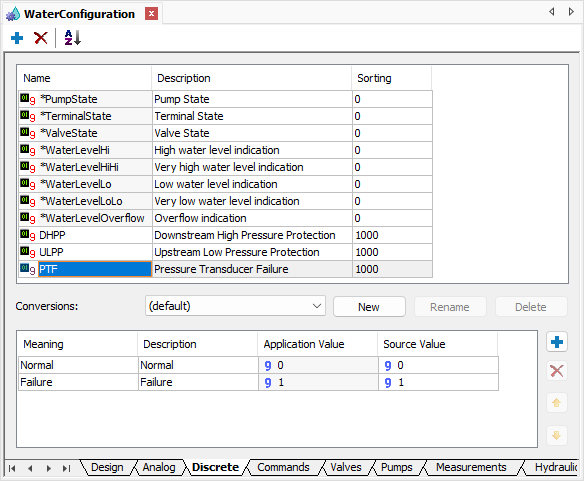
Discrete Measurement PTF
4.Add the Discrete Measurements "DHPP" and "ULPP" on folder Measurements of the Pump1 object of the Station1 Station of the System1 Water Distribution Network.
5.Select the value DHPP in the MeasurementType property of the Discrete Measurement DHPP and the value ULPP in the MeasurementType property of the Discrete Measurement ULPP.
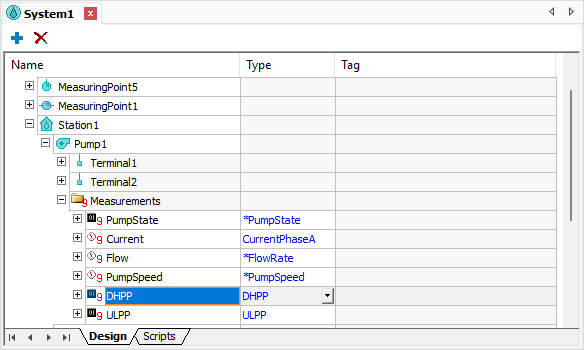
Result of configuring Discrete Measurements