1.Right-click the Screen_System1 Screen, above the WaterSupply object, and add an instance of an XWaterDisplay.
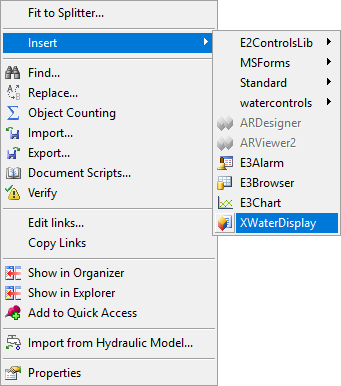
Option to insert an XWaterDisplay
2.In the Measurement property of this XWaterDisplay object, select the Level Analog Measurement of the WaterSupply Water Supply Point of the System1 Water Distribution Network.
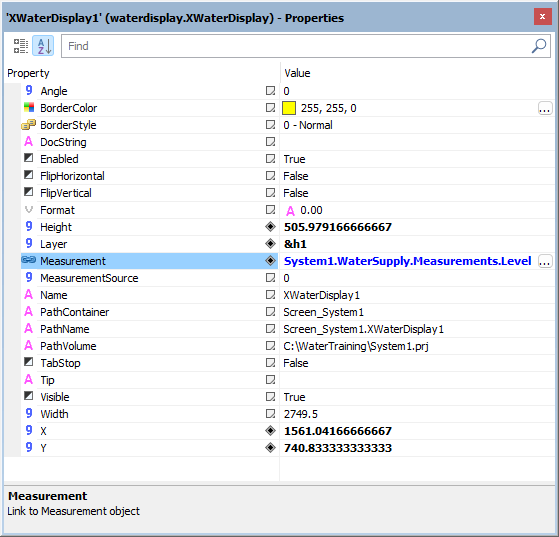
Measurement property
3.Insert as many XWaterDisplay-type objects as needed and link them to their respective Measurements.
4.Execute the application and test this new functionality.