When Elipse Power Studio starts, it opens a dialog box with some options for a project, according to the next figure.
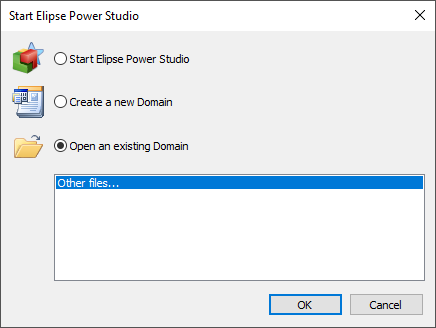
Start Elipse Power Studio window
The available options on this dialog box are described on the next table.
Available options for Start Elipse Power Studio window
Option |
Description |
|---|---|
Start Elipse Power Studio |
No Domain is opened |
Create a new Domain |
Requests a name and a path for a new Domain |
Open an existing Domain |
When clicking Other Files, users can locate a Domain on a specific folder, or select it on the list of the last edited applications |