Users are responsible for editing the script executed by this Driver on the VBScript tab, shown on the next figure.
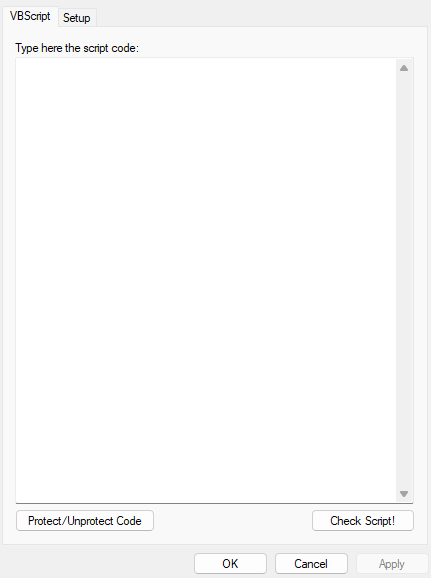
VBScript tab
Click Check Script! to compile the code informed in the Type here the script code option. If there is any error in that script, a dialog box is displayed indicating the line in which this error occurs.
Click Protect/Unprotect Code to encrypt an unprotected code by using a password. Once protected, this code cannot be viewed or edited anymore on this tab, but the scripts can be executed normally at run time. To view or edit a code again, click Protect/Unprotect Code and type the password used to encrypt that code.