This Driver's [P] configuration parameters are not used. All settings are performed on the properties window. For more information about the Setup, Serial, Ethernet, Modem, and RAS tabs, please check topic Documentation of I/O Interfaces. The Protocol2000 tab, shown on the next figure, contains specific settings for this Driver.
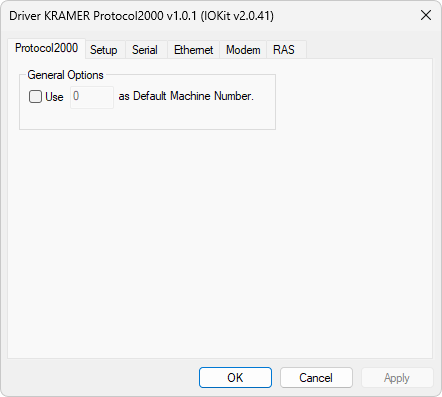
Protocol2000 tab
Select the Use n as Default Machine Number option to specify a default Machine Number value. This value is used if any Tag is configured with a Machine Number value equal to 0 (zero).