This Driver only supports configuring Tags by Strings, users cannot configure Tags using [N] addressing parameters.
Tag Browser window, shown on the next figure, contains folders Local, which displays counters from the local computer, and Remote, which displays all counters separated by computers found on the network.
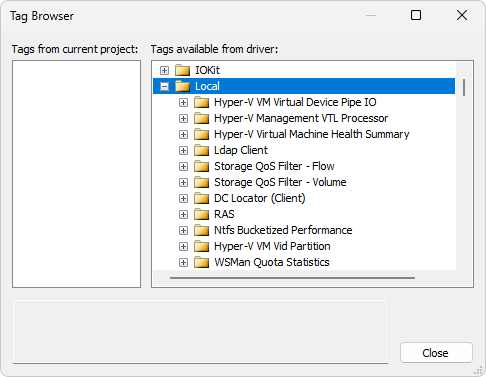
Tag Browser window
All Tags added to this Driver are designed to read data provided by performance counters. These counters may vary depending on the operating system and depending on the programs installed on a computer. Every computer has its own counters, and some of them are generic, such as counters related to processing, memory, and disk.