This Driver depends on administrator rights on a computer to work properly, so users can define a specific user account to use this Driver.
To do so, open this Driver's Properties Window, select the ESysInfo tab, select the Connect remotely using option and fill in the Domain, Username, and Password options.
Click Test Logon to check whether this configuration was successful.
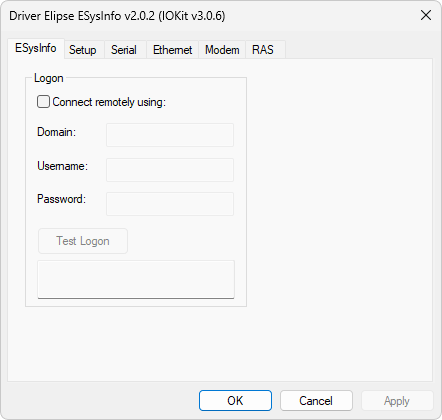
ESysInfo tab
NOTE |
The user account configured in this Driver must belong to the Administrator group in the computer to monitor. On Windows Vista, users from Performance Logs User or Performance Monitor User groups also have access to data. |